Getting Connected - How to set up TV and Wi-Fi in your home
After moving into your new home, you’ll probably be eager to get settled and rested as soon as possible. What could be better than a night in on the sofa, de-stressing from the move in front of the TV?
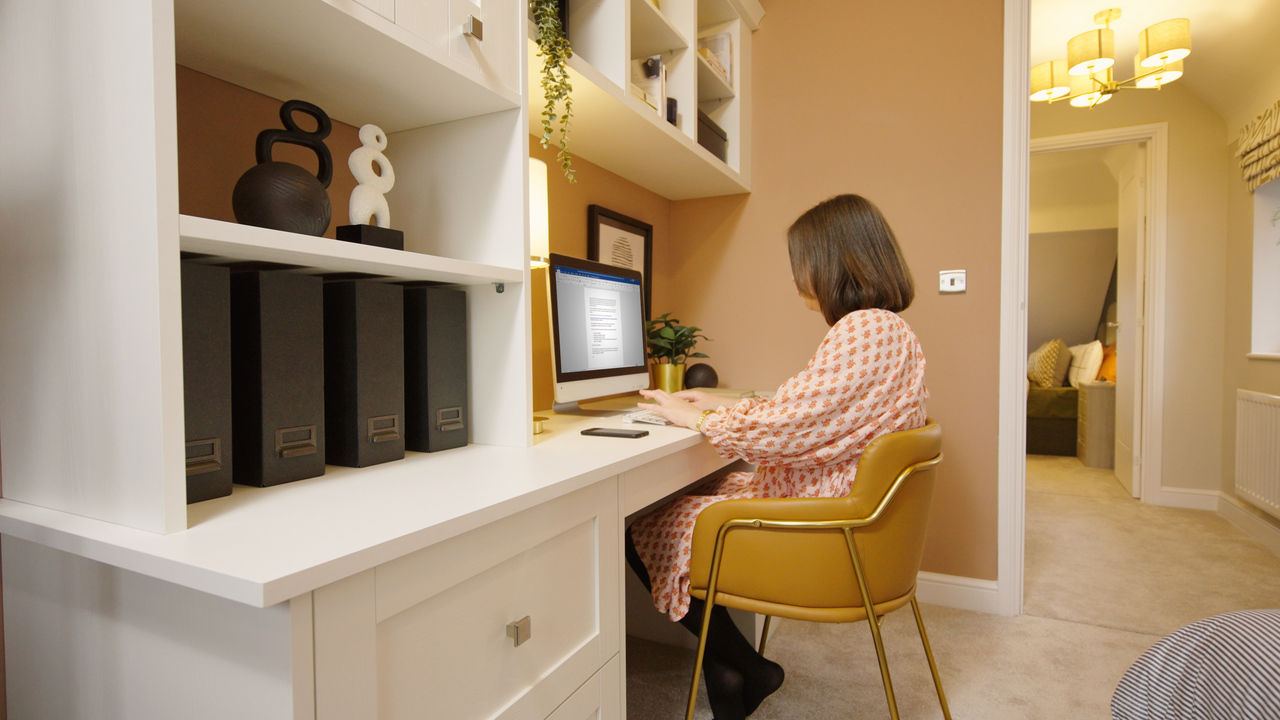
Fortunately for Redrow homeowners, all our properties are equipped for fibre broadband. So, you’ve got everything you need to enjoy the fastest home internet speeds as you catch up on all your favourite shows.
Read our quick guide below, or watch the video for all the steps to setting up Wi-Fi and TV at your Redrow home.
How to set up fibre broadband in your new home
You’ll need to set up your broadband service with your chosen provider - we recommend organising this before you actually move in, and then arranging the engineer visit for when you’ve moved in. Not all UK internet providers currently offer fibre broadband connections, so you may have to change providers in order to access the high speeds at your new home.
How to install a TV aerial at your new home
We want to make the move-in process as seamless as possible, which is why we offer our TV aerial option at the time of purchase. If you’ve selected this, you don’t need to think about arranging an installation or booking an engineer - your aerial will be up and ready by the time you move in.
If you didn’t choose to add the TV aerial option, you will need to make an appointment with an engineer to get an aerial set up at the property. We recommend arranging this ahead of time, particularly since aerial or TV dish installation can take a few weeks to book.
Your TV aerial will be connected to the TV lead that’s built into your home’s loft space, so it’s an easy process for your engineer.
Once you’ve got your fibre broadband connected with your chosen provider and your TV aerial up and running, you’re all connected. Now you can watch all your shows and catch up on social media from the comfort of your new home!
If you have any questions about installing Wi-Fi or a TV aerial at your new home, get in touch with the team at your Redrow development, who will be happy to help get you up and running.