How to program your heating
Having your heating on a schedule is not only a great way to make your home nice and cosy when you get home from work - it can also be a great way to manage your energy bills.
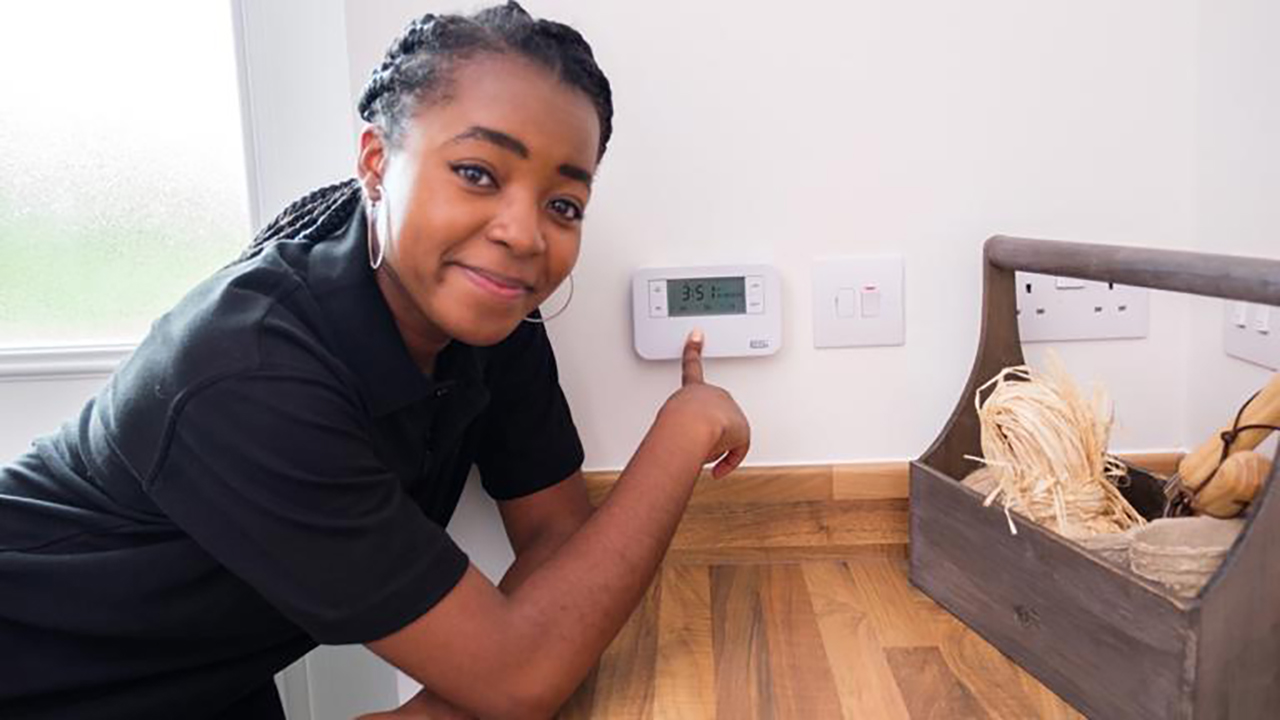
We’ve put together a quick guide to setting up your heating and programming a schedule for your control unit. As well as setting the heating to come on at certain times of day, you may be able to set up heating zones - for example upstairs and downstairs.
You can also watch our quick video guide on how to set up your heating system.
How to control your heating system
Within your heating system, there are three main settings to choose from for setting up a schedule.
5-2 mode
With the 5-2 setting, you’ll be able to program the system on a different schedule during the week to at the weekend. So, you could keep the heating off mid-week while you’re out at work, but turn it on during the weekend so you can stay warm at home.
7-day mode
With this mode, you’ll be able to set up a different setting for each day, so it’s completely personalised according to your schedule.
24-hour mode
Use 24-mode to set the heating to run at the same time every day.
How to program your heating control unit
In the steps below we’ll be setting up the 24-hour mode, but the other programs use a very similar process.
Step 1
Your heating control box is usually located in the hallway, kitchen or utility room. Underneath the cover you’ll find a range of buttons and a display screen.
Start by sliding the switch to ‘heating’ and press the ‘home’ button to turn the unit on. Then you need to toggle the + and - buttons until the 24-hour mode (or the mode you want to use) appears on the screen.
Step 2
Press the arrow button to select the correct heating mode. A radiator icon should appear on screen, with a ‘1’ ‘next to it. The number indicates a zone to set up heating for - 1 is usually the downstairs area.
Step 3
You’ll see a time flashing on the screen - this is when the heating will turn on in the chosen zone during the morning. You can alter this using the + and - buttons until you find the time you want to set.
Step 4
Once you’ve selected the right time, you can press the arrow button again to set it in place. This stores the time in place. The numbers will still flash, as you now need to set the time you want the heating to turn off. Repeat the process again, toggling the buttons until the right time appears. Press the arrow again to lock this time in.
Step 5
You can then do the same process for the afternoon or evening period for the same zone. You’ll then continue to repeat it again for zone 2 (if you have multiple heating zones in your home).
Step 6
To lock in the settings and start using this schedule, push the slider to ‘run’, and flip the cover back down on the unit.
Once that’s finished, your heating will turn on and off automatically according to your chosen schedule. There may be other features and settings available on the unit - refer to the manufacturer’s handbook or website for any further information.
If you encounter any problems with your heating system, it might be worth checking the system pressure before contacting the Redrow team or a heating engineer.